
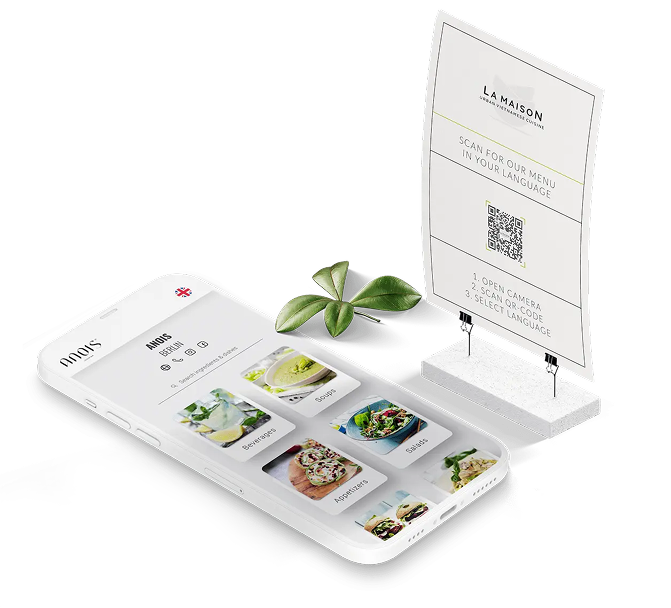

How It Works
Generate your restaurant's food menu in just 3 Steps
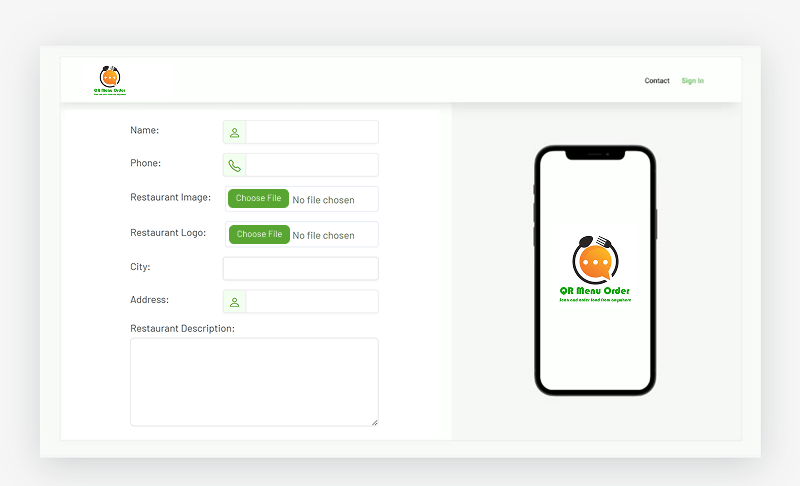
REGISTER
 Fill up the form by entering basic information such as
restaurant name, email, address, contact number, restaurant image and logo.
Fill up the form by entering basic information such as
restaurant name, email, address, contact number, restaurant image and logo.- OTP will be sent to your email address for
verification. Verify it and registration process will be completed.
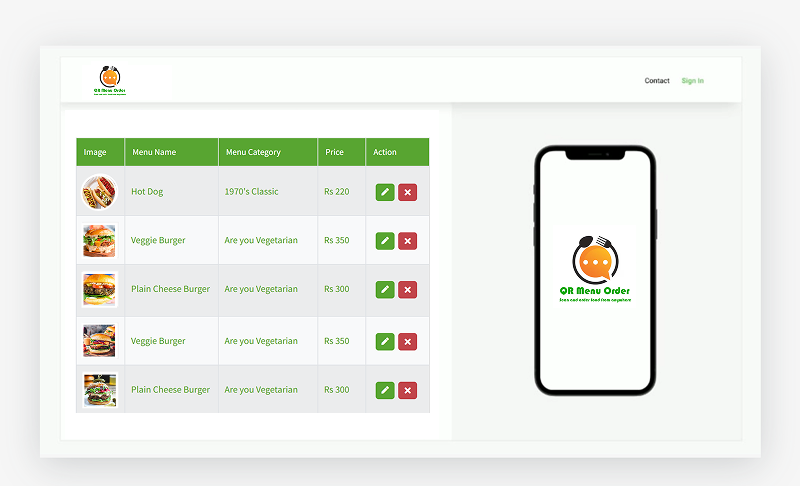
CREATE FOOD ITEMS
-
Login into the system using the account you created during the registration. After login,
you will be sent to your restaurant dashboard. Here you can create your restaurant menu.
-
First create your food categories and then create food items.
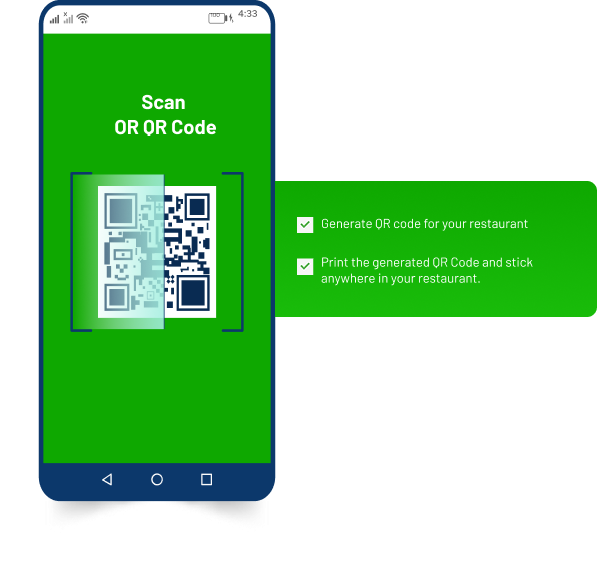
GENERATE QR CODE
-
Click on "Generate QR-code". System will generate QR code for your restaurant menu.
-
You can print the generated QR code and stick anywhere in your restaurant.
WHY MENU QR?
Generates your restaurnat menu for free
Our powerful basic subscription for one menu and ordering service is FREE!
Free forever, no trials or menu size or order quantity limits. You're under no obligation to upgrade to a paid plan after enjoying the free subscription service. We won't disconnect your QR code, and you're free to use the basic subscription plan without any charge.

Receive unlimited dine-in, delivery and takeaway orders with free subscription
-
Accept payments at Stripe rates (plus 1% with free basic subscription) directly into your Stripe account (coming soon)
Subscription
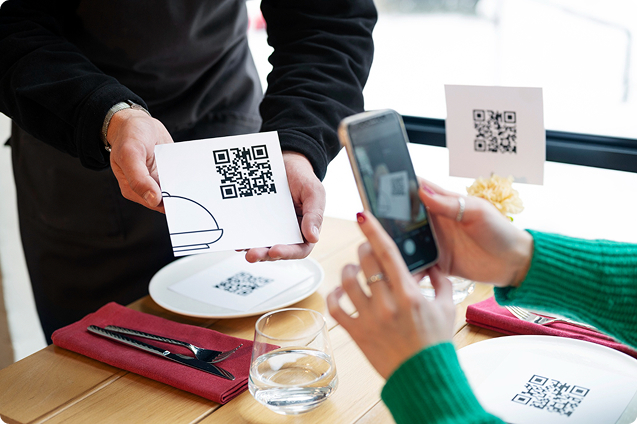
Customer can make order from the menu when you subscribe.
Single QR

- Generates Single QR
- Suitable for online order
- Customers can view menu by scanning the QR inside or outside restaurant
- Customers can make order from home using QR
- Owner can view food orders report
Table Based QR

- Generates QR for each table
- Suitable for table based order
- Customers can view menu by scanning the QR inside or outside restaurant
- Customers can make order from restaurant table using QR
- Owner can view report ordered from restaurant table
Single/Table Based QR

- Generates Single QR or QR for each table
- Suitable for those who want both order online and table based order
- Customers can view menu by scanning the QR inside or outside restaurant
- Online order plus order from restaurant table using QR
- Owner can view report ordered from restaurant table plus online orders.
Ask for setup
If you want us setup everything by us, our support team will register, create your restaurant menu and generate QR for you.
Contact Us

Testimonials
What customers say about us
Excellent Hosting
Great support, like i have never seen before. Thanks to the support team, they are very helpfull. This company provide customers great solution, that makes them best.
 John, Pixar
Studio
John, Pixar
Studio
Excellent Hosting
Great support, like i have never seen before. Thanks to the support team, they are very helpfull. This company provide customers great solution, that makes them best.
 John, Pixar
Studio
John, Pixar
Studio
Excellent Hosting
Great support, like i have never seen before. Thanks to the support team, they are very helpfull. This company provide customers great solution, that makes them best.
 John, Pixar
Studio
John, Pixar
Studio
Excellent Hosting
Great support, like i have never seen before. Thanks to the support team, they are very helpfull. This company provide customers great solution, that makes them best.
John, Pixar
Studio
-
-
-
Pulchowk, Lalitpur
 Powered by Gtech
Vision
Powered by Gtech
Vision
Please call us for subscription or any queries. Thank you.